TWO MODES, ONE NETWORK AT A TIME
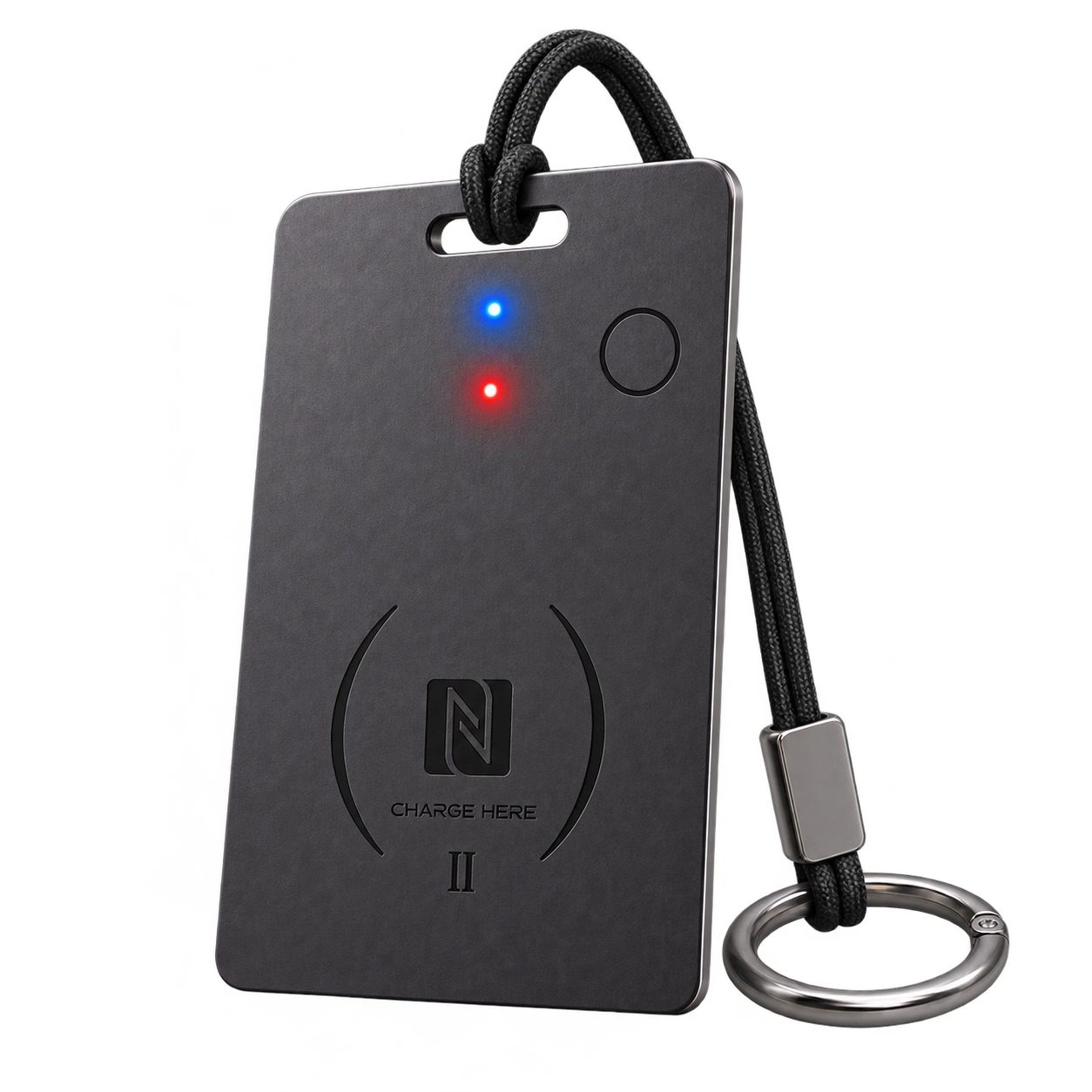
SiNE CARD II
Setup, charging, status indicators, Apple Find My, Google’s Find Hub, and programmable NFC guidance.
- Apple Find My
- Google’s Find Hub
- NFC

SiNETAG SUPPORT
Choose your product and finding platform to open the right setup and everyday-use guide.
4 guides
TWO MODES, ONE NETWORK AT A TIME
Setup, charging, status indicators, Apple Find My, Google’s Find Hub, and programmable NFC guidance.
CHOOSE YOUR FINDING PLATFORM
SiNE CARD is sold in separate Apple Find My and Google’s Find Hub versions. Choose your platform when purchasing; the finding network cannot be switched, even after a reset. Select the guide for your card’s version.
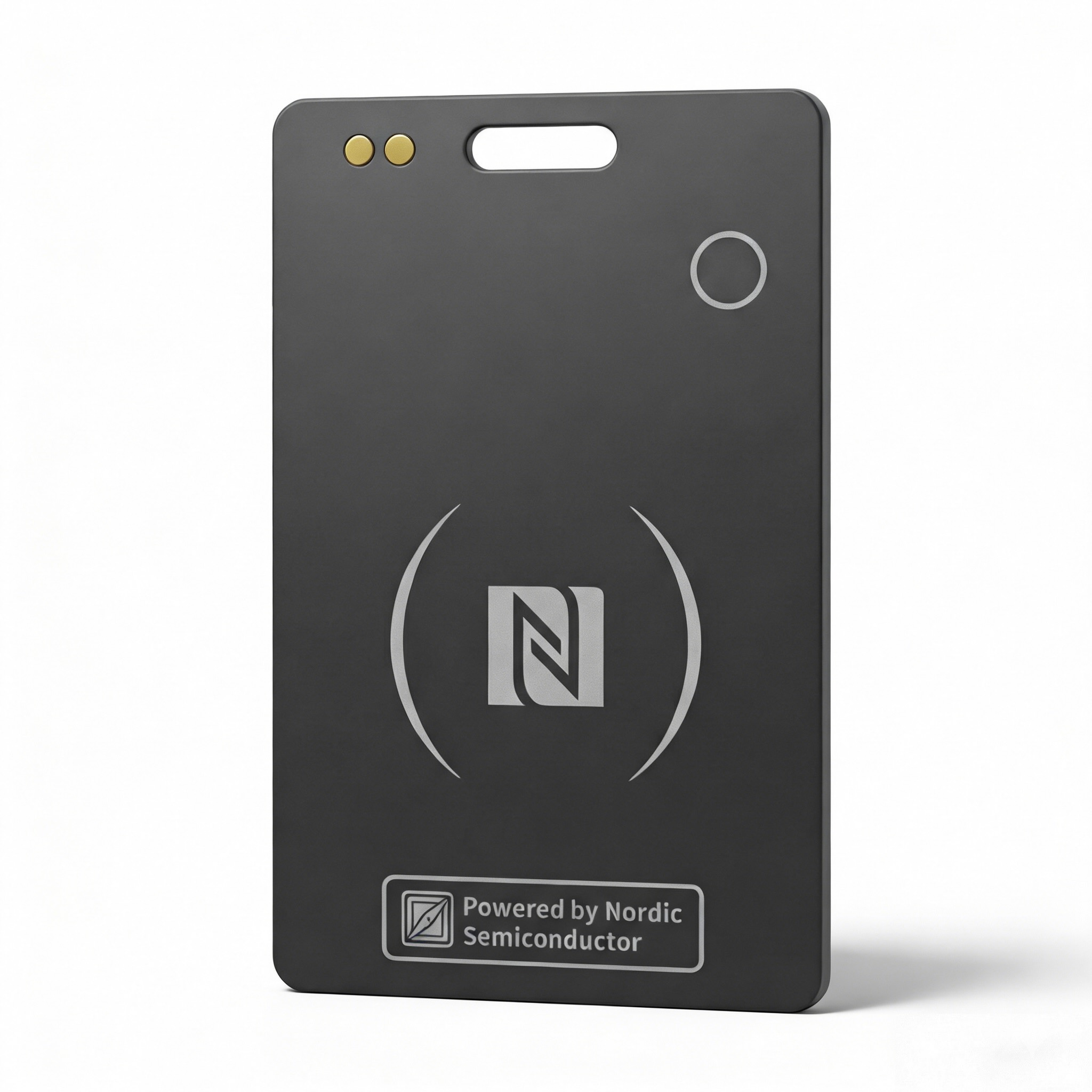 Find Hub version shown
FOR APPLE DEVICES
Open the Apple Find My setup, use, removal, reset, and charging guide.
Open Apple Find My GuideFOR ANDROID DEVICES
Open the Find Hub setup, use, removal, reset, and charging guide.
Open Find Hub GuideAPPLE FIND MY
Setup, finding, removal, reset, battery replacement, troubleshooting, and FAQ guidance for SiNE Tag.
MORE SUPPORT
Find downloadable manuals, browse product FAQs, or contact the SiNETAG team.