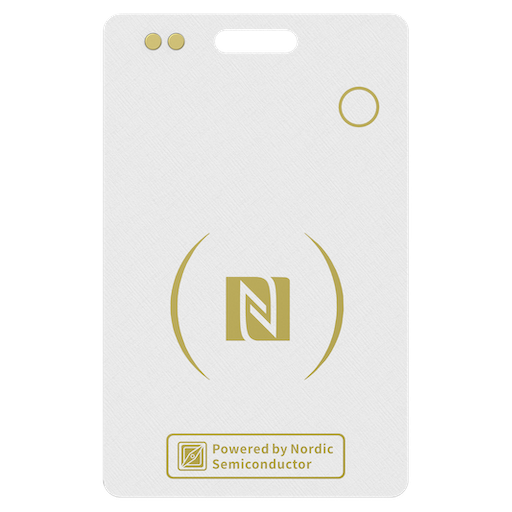
1. Function Introduction of Google's Find Hub
https://www.sinetag.com/manual/function-introduction-find-hub/
2. How to Connect Find Hub
https://www.sinetag.com/manual/how-to-connect-find-hub-sine-card/
3. How to Disable
https://www.sinetag.com/how-to-disable-the-SiNE-CARD/
4. How to Remove
https://www.sinetag.com/manual/how-to-remove-find-hub-sine-card/
5. How to Reset
https://www.sinetag.com/manual/how-to-reset-sine-card/
6. FAQ
https://www.sinetag.com/manual/faq-sine-card/
Notice
■ Location services and Google Location Sharing must be turned on. Requires internet connection. Available on Android 9+ and in certain countries for age-eligible users.
■ Find Hub app helps you find and connect to what matters in a single, secure place. Find your belongings quickly and safely – even if your devices are offline. Plus, seamlessly and securely share your location with friends & family for peace of mind. You can also choose to share your location safely with trusted friends and family.
■ Find Hub network requires location services and Bluetooth to be turned on. Requires cell service or internet connection. Works on Android 9+ on select devices and in certain countries for age-eligible users.
■ This product has been certified by Google to meet Find Hub network accessory specifications. Google is not responsible for the operation of this product. Google is also not responsible for ensuring that the product complies with any applicable safety standards or other requirements.
■ Google, Android, and Find Hub are trademarks of Google LLC.
Copyright 2025 © singsun technology int co.,ltd
Your cart is empty

 0
0
