 FEATURED
ONE NETWORK AT A TIME

THE SiNETAG COLLECTION
Find the right locator for the things you carry. Discover rechargeable cards and compact tags designed for everyday life.
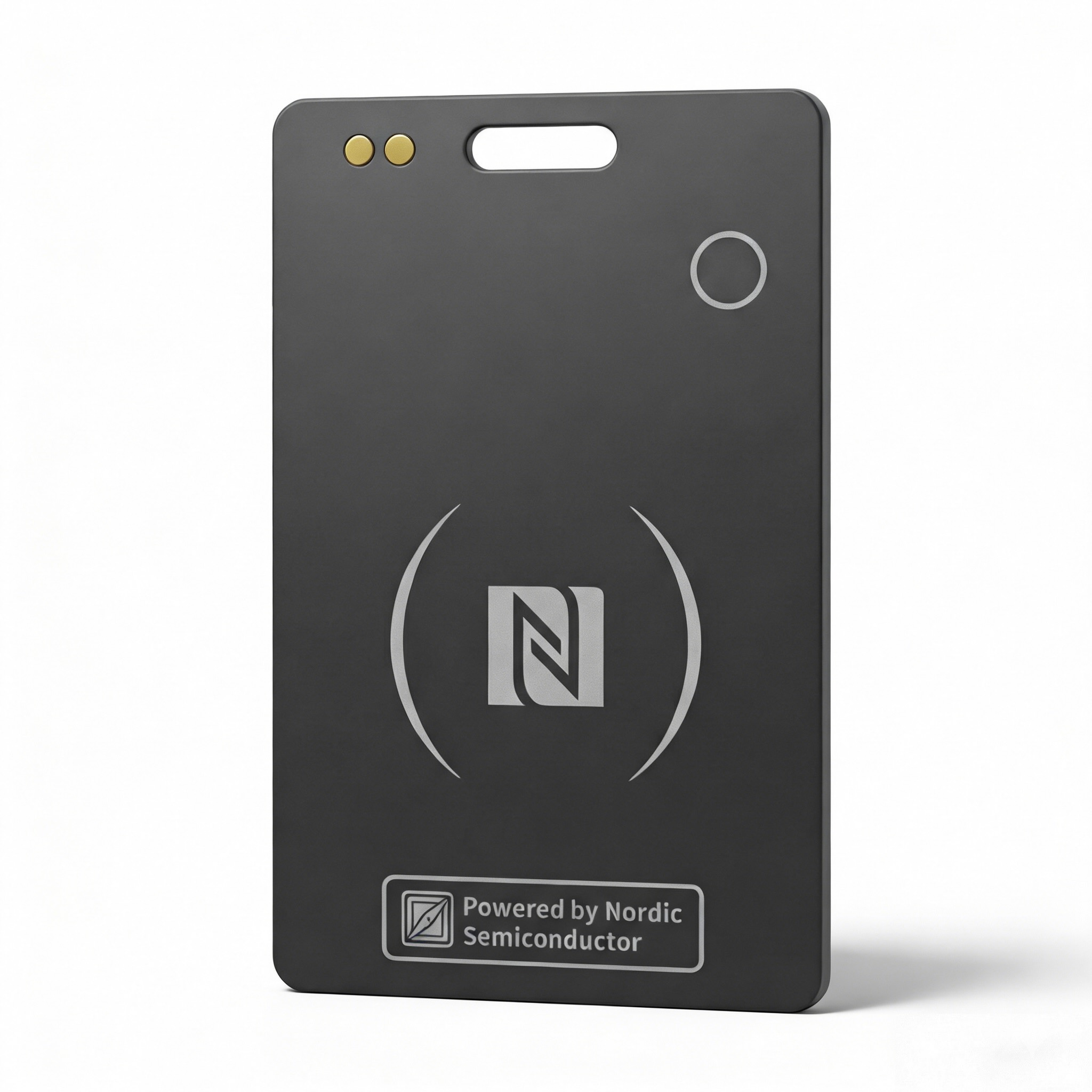
Powered by Nordic Semiconductor
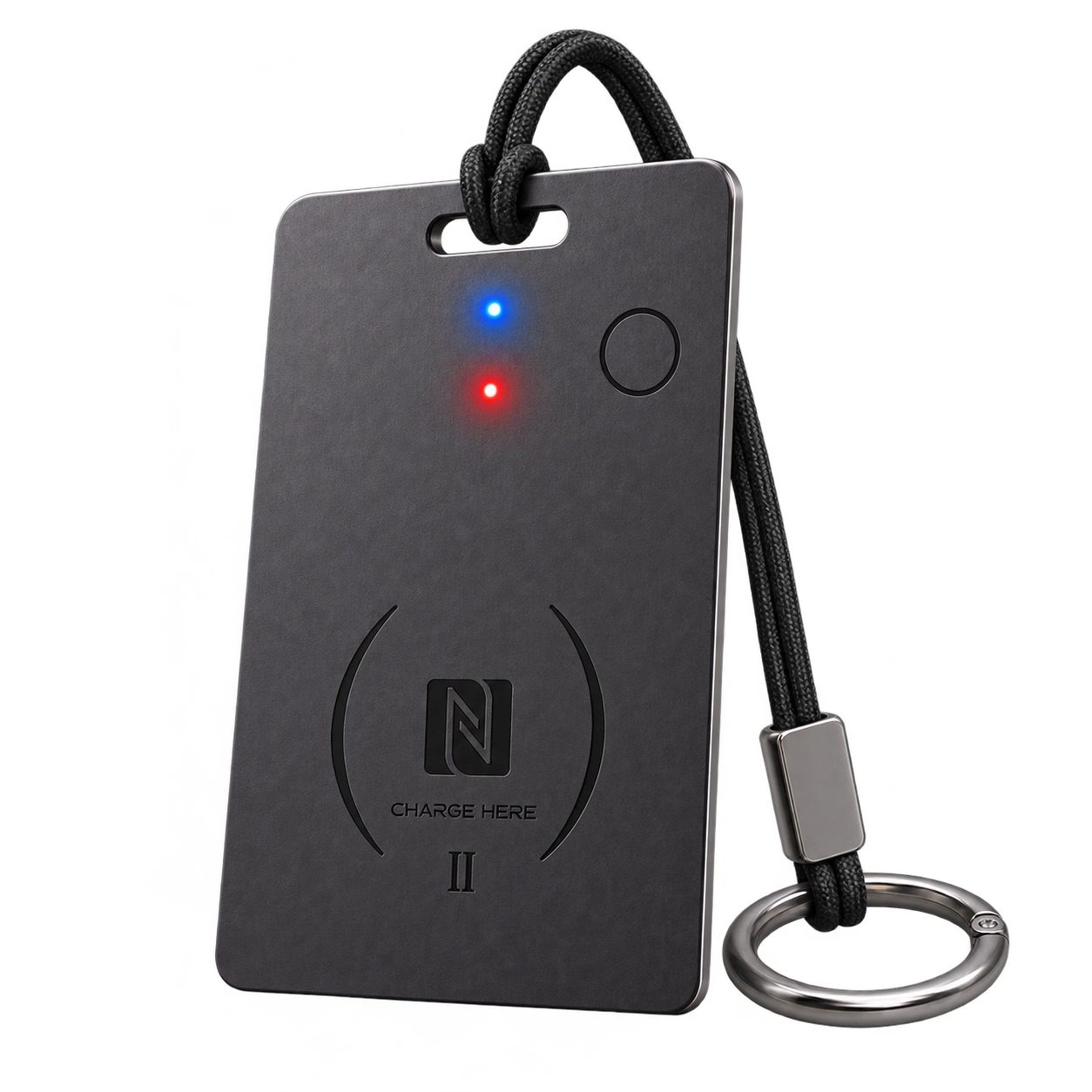
SiNE CARD II · LANYARD SHOWNOne card.
A little more useful.
THE SiNETAG FAMILY
One family. Different ways to carry.
Choose the product for your phone and your day.
FEATUREDONE NETWORK AT A TIME
CHOOSE YOUR PLATFORM
FOR APPLE FIND MY
WITH SiNE CARD II
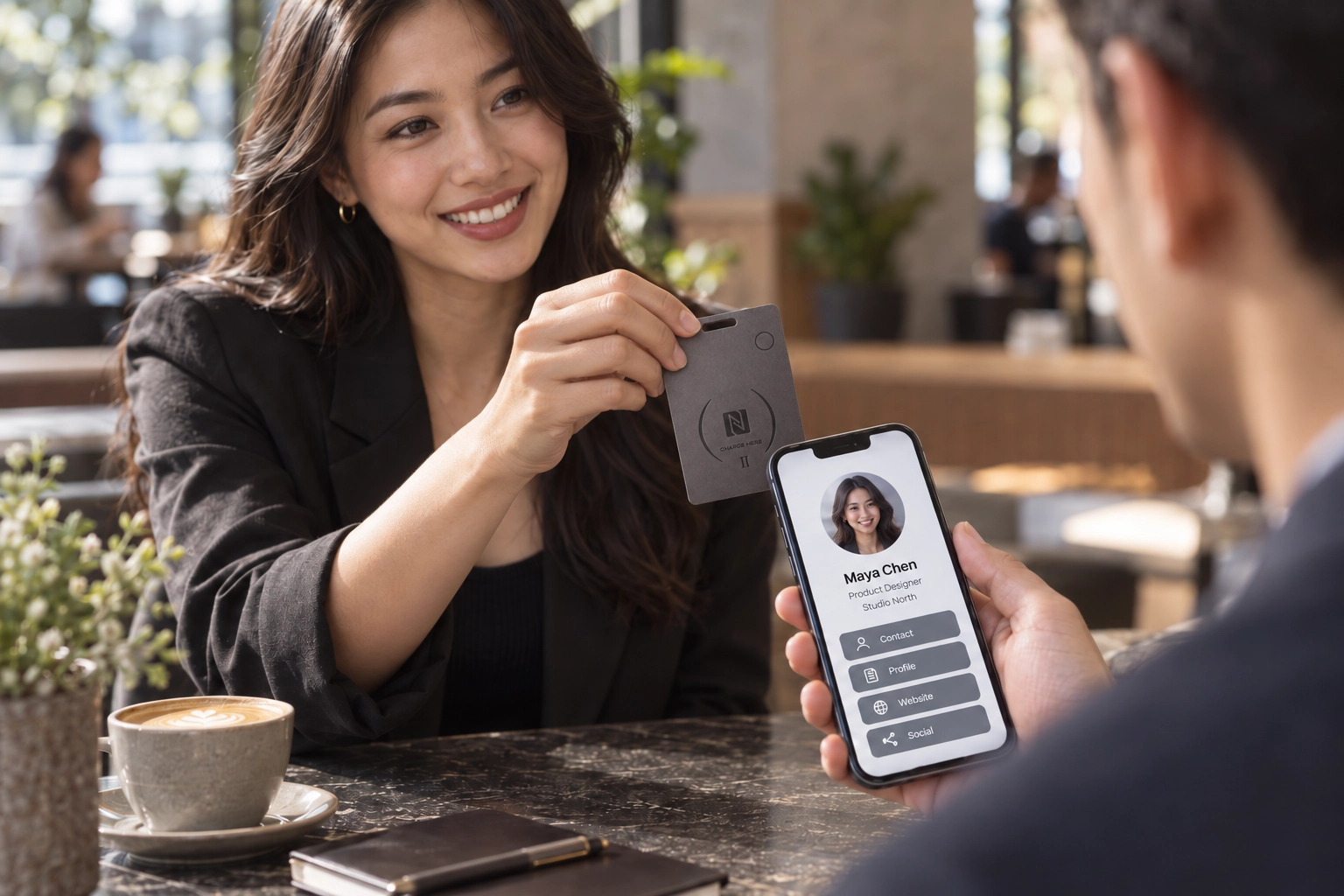
Share a website or contact details with a compatible NFC-enabled phone.
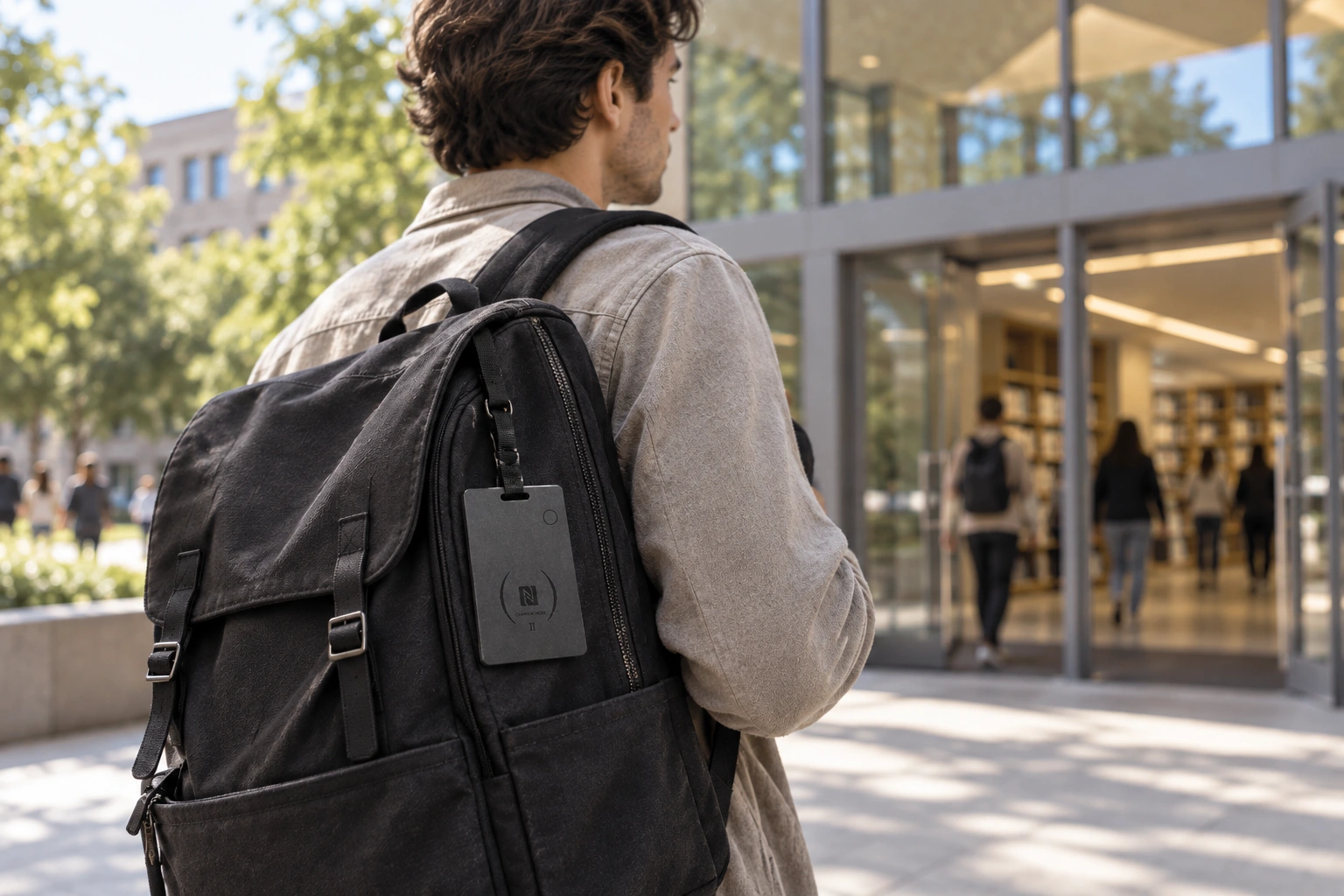
Carry your card on the bag that comes with you.
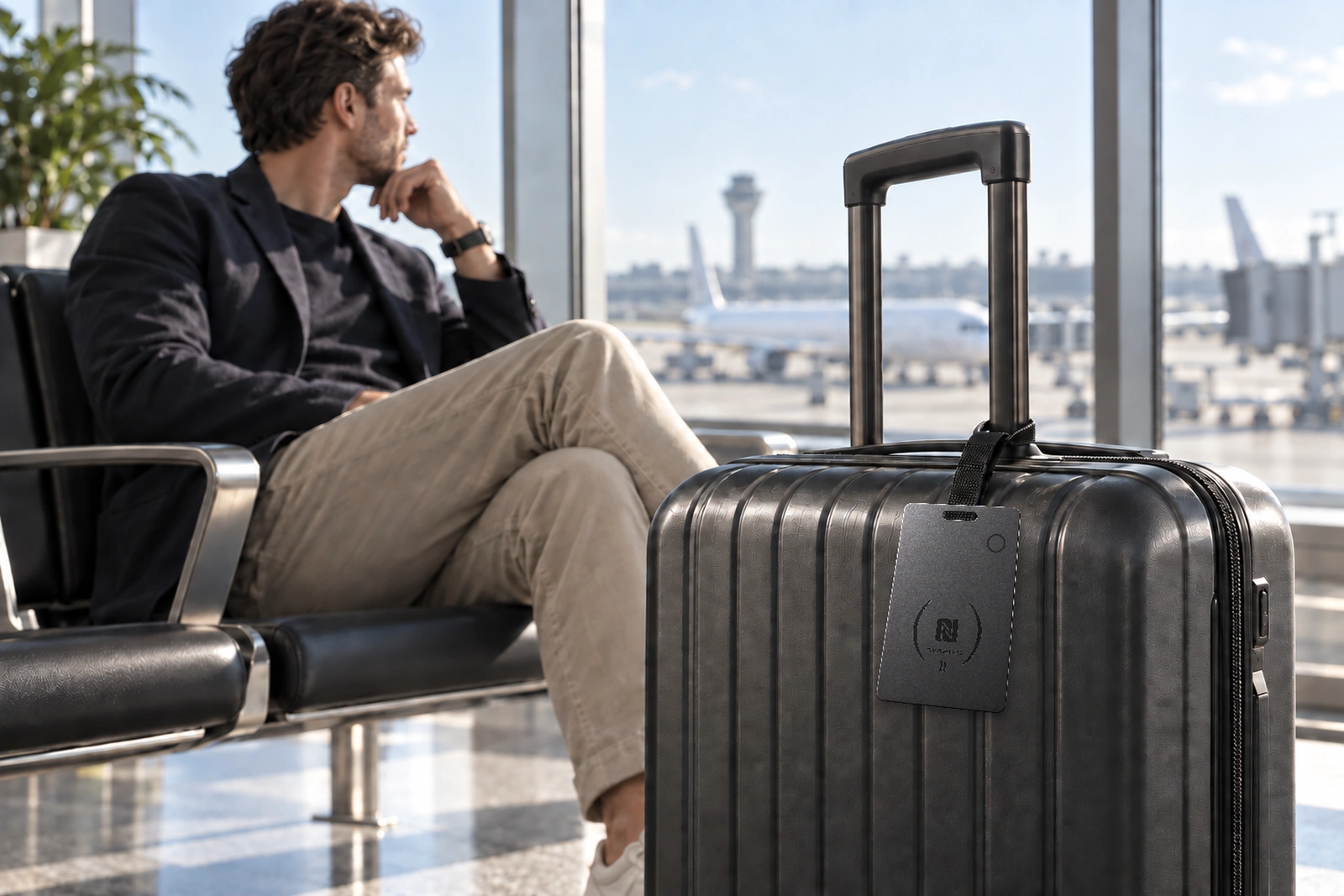
Keep luggage and travel essentials part of your finding routine.
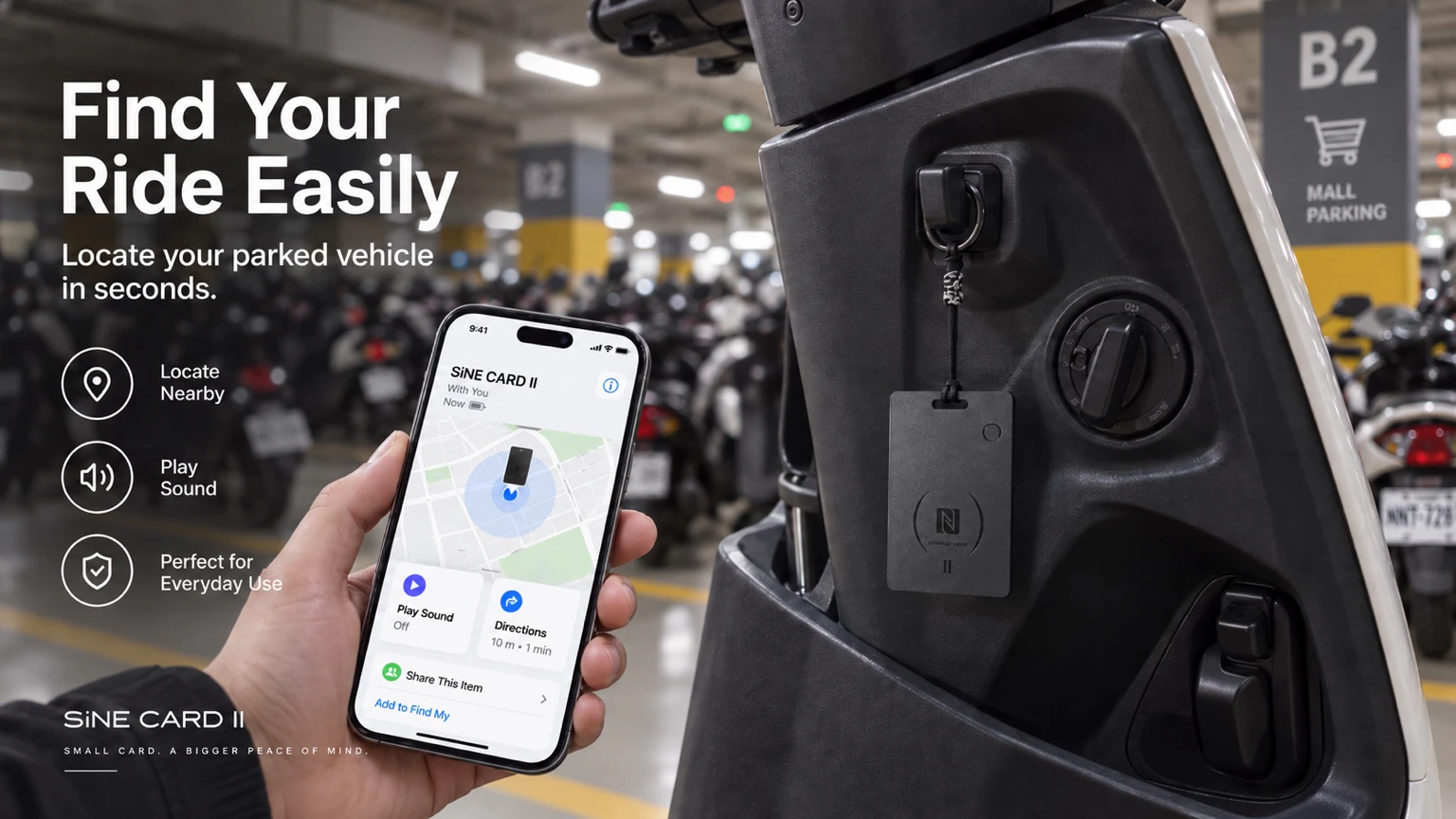
FOR YOUR PARKED RIDE
Bring SiNE CARD II along on your daily ride.

A LITTLE MORE EVERYDAY
Keep SiNE CARD II close to the bag you bring to your workout.
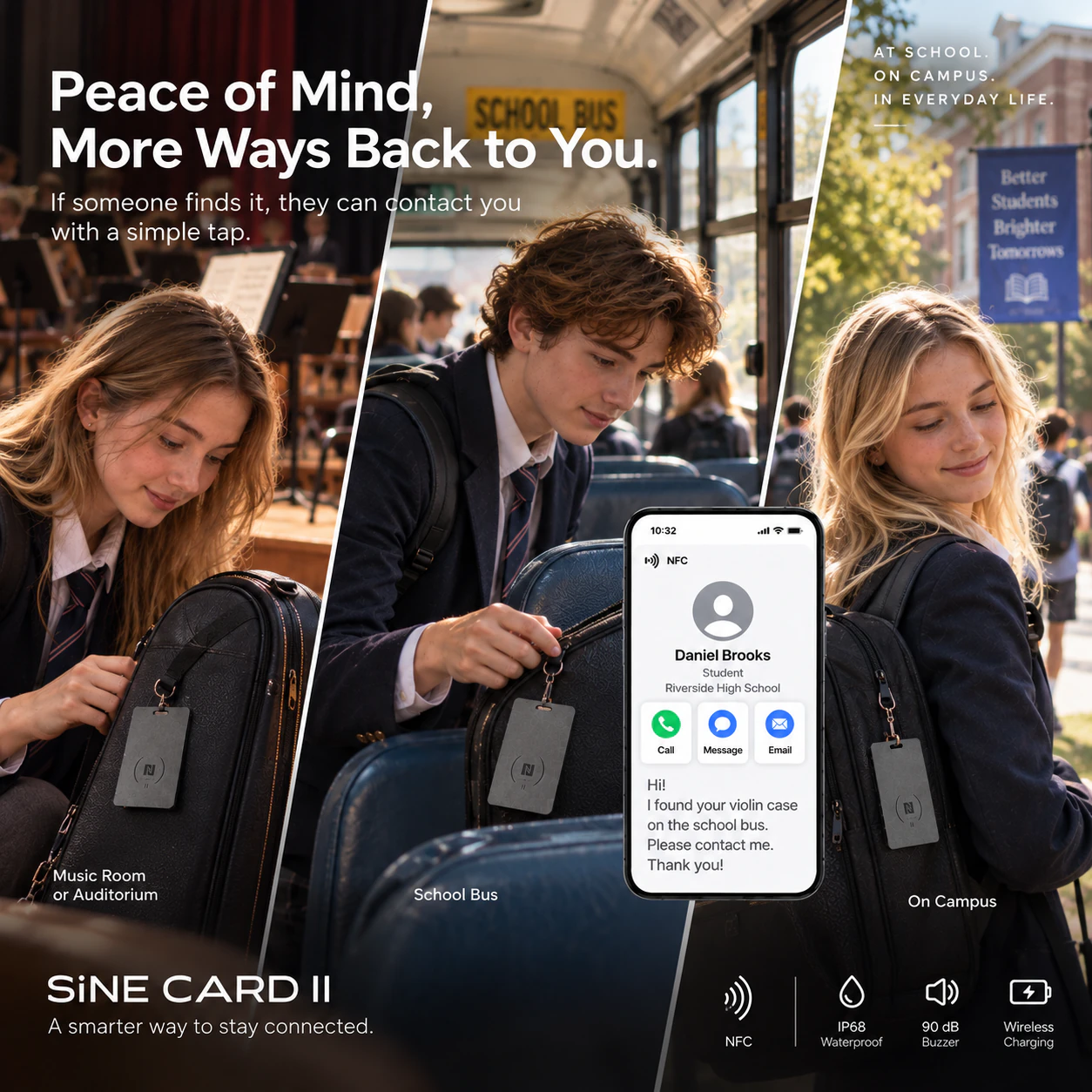
FOR SCHOOL AND MUSIC
Keep SiNE CARD II close to school bags and instrument cases.
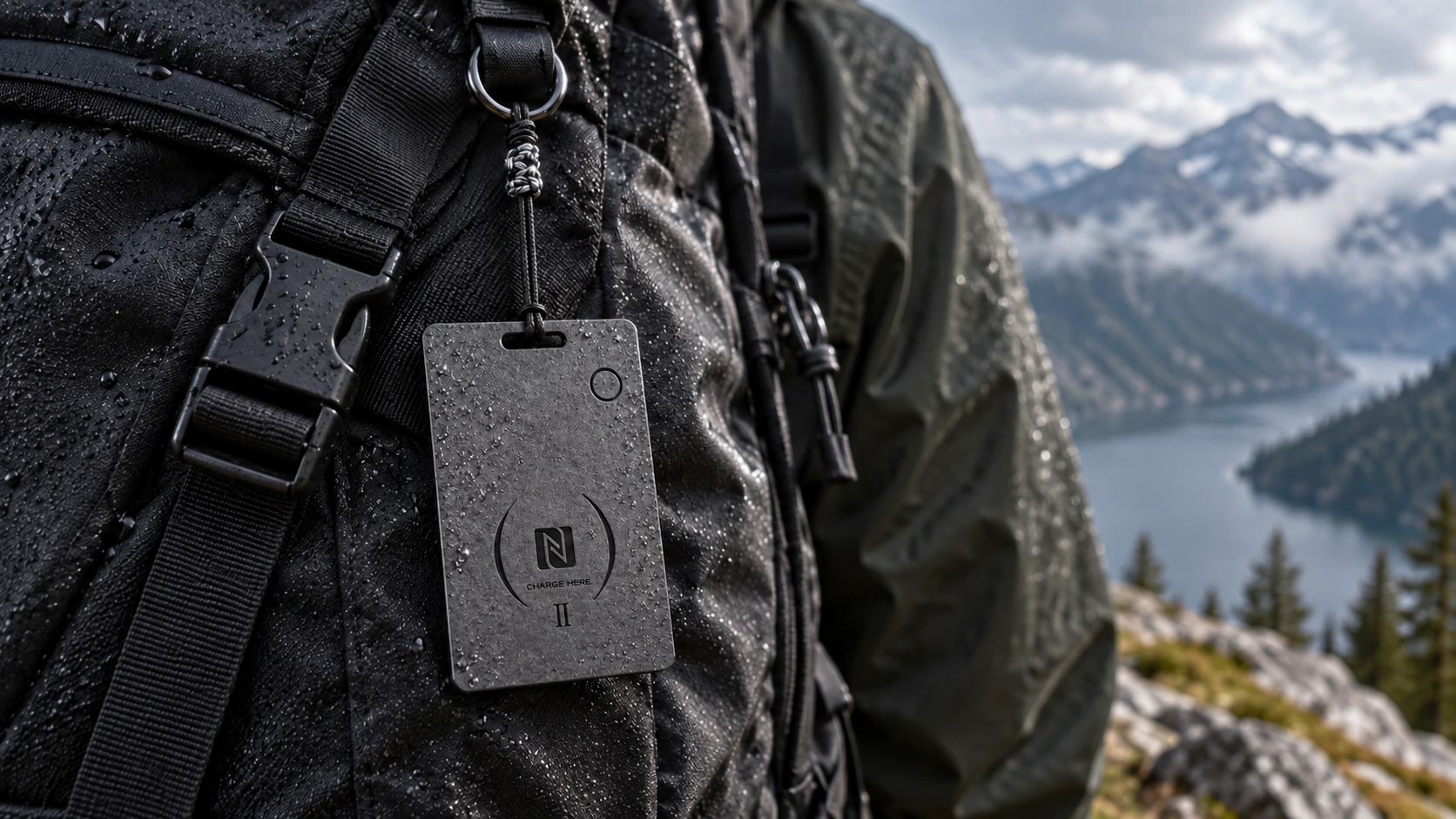
EVERYDAY ESSENTIALS. NEW PERSPECTIVES.
From your morning commute to a change of scenery.
A familiar card, ready to come along.
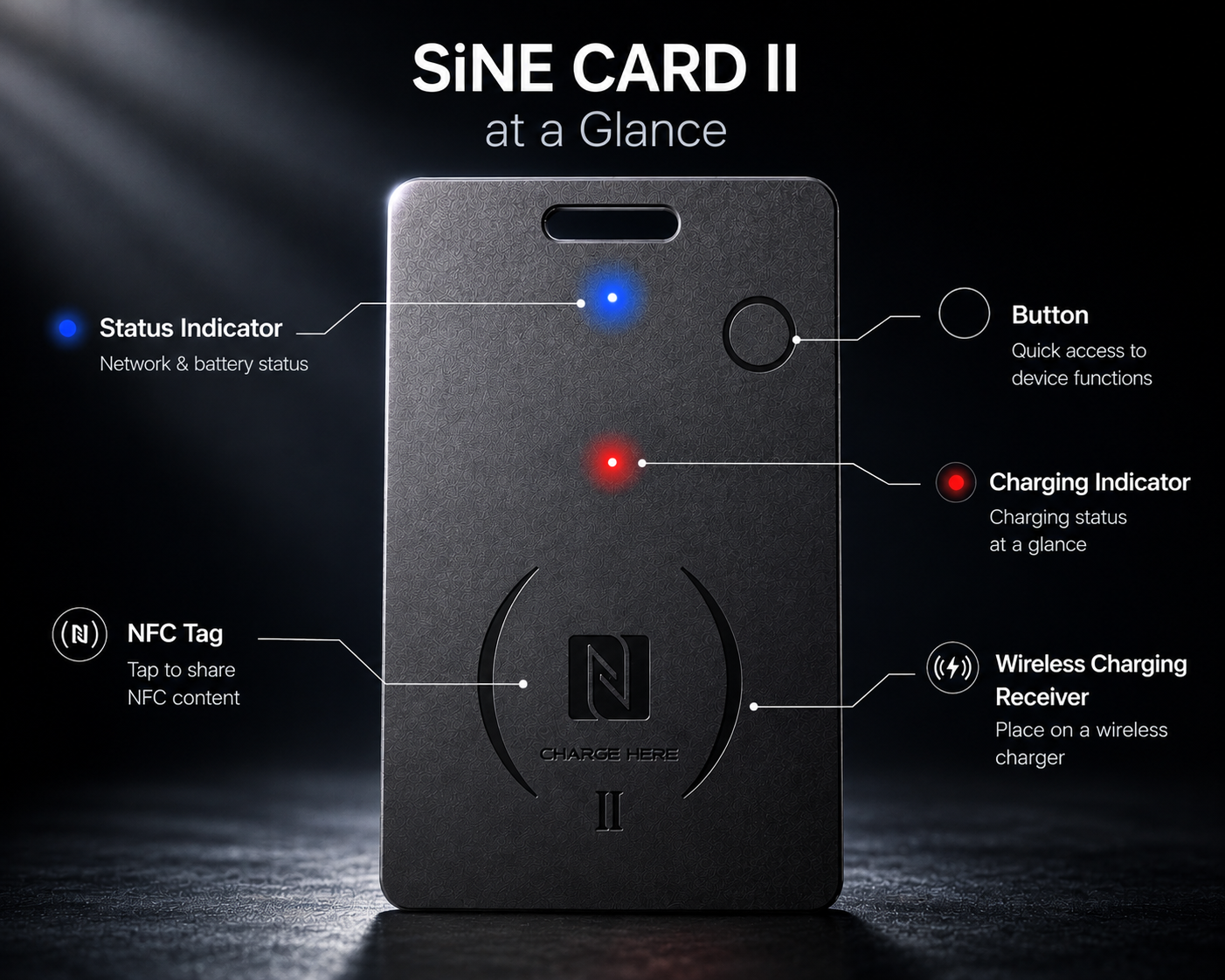
FOUR WAYS TO MAKE IT YOURS
Powered by Nordic Semiconductor
Choose the finding network that matches your phone.
Zones 1 and 3 hold customizable content. Zone 2 can open Contact Card or MAD Card.
Current production units ship without product verification. Business customers can contact SiNETAG to discuss product verification requirements for their project.
Use compatible wireless charging equipment to power it again.
FAMILIAR FORM. CONSIDERED DETAILS.
A slim card. More ways to connect.
See the specifications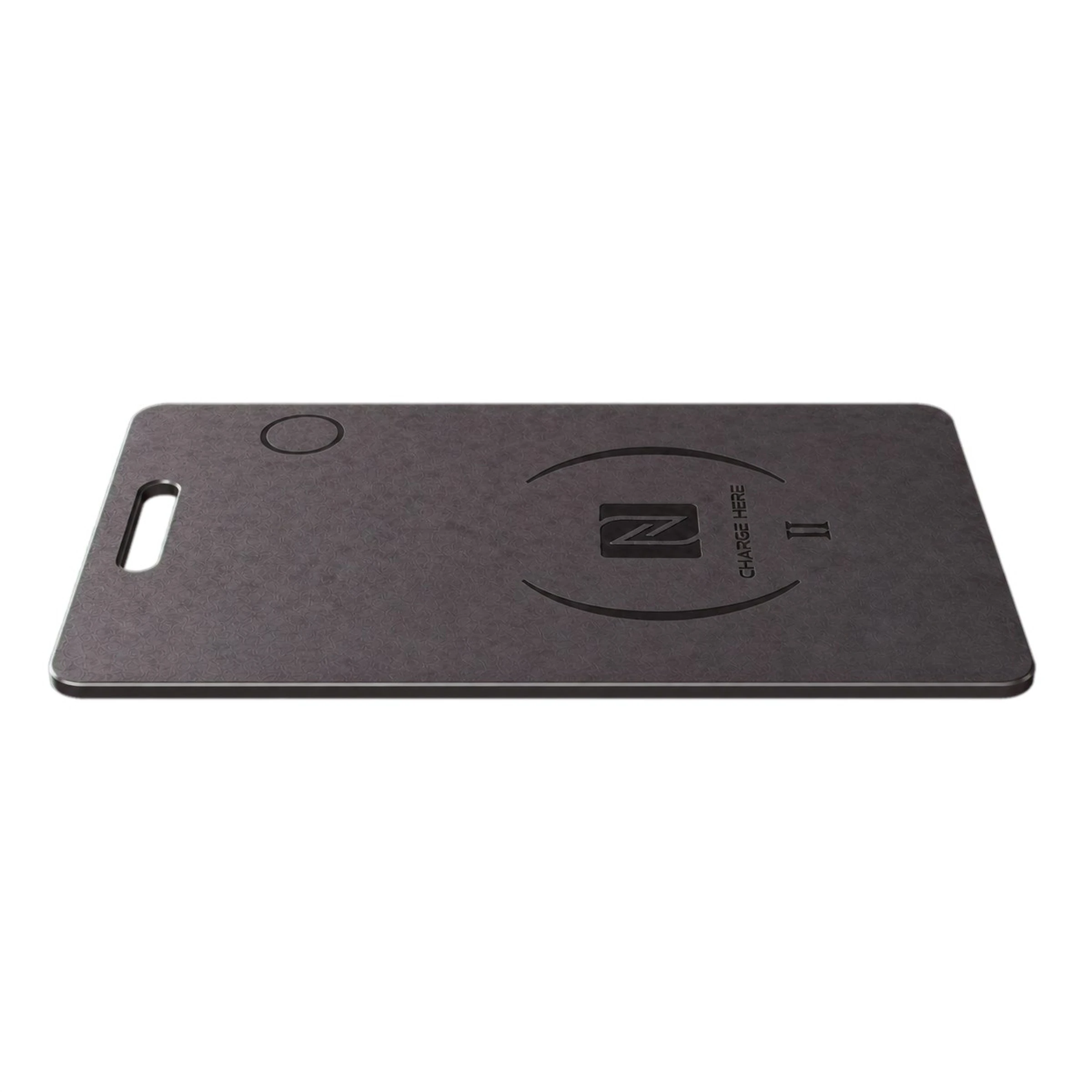
THE ORIGINAL SiNE CARD
Everyday uses for SiNE CARD.
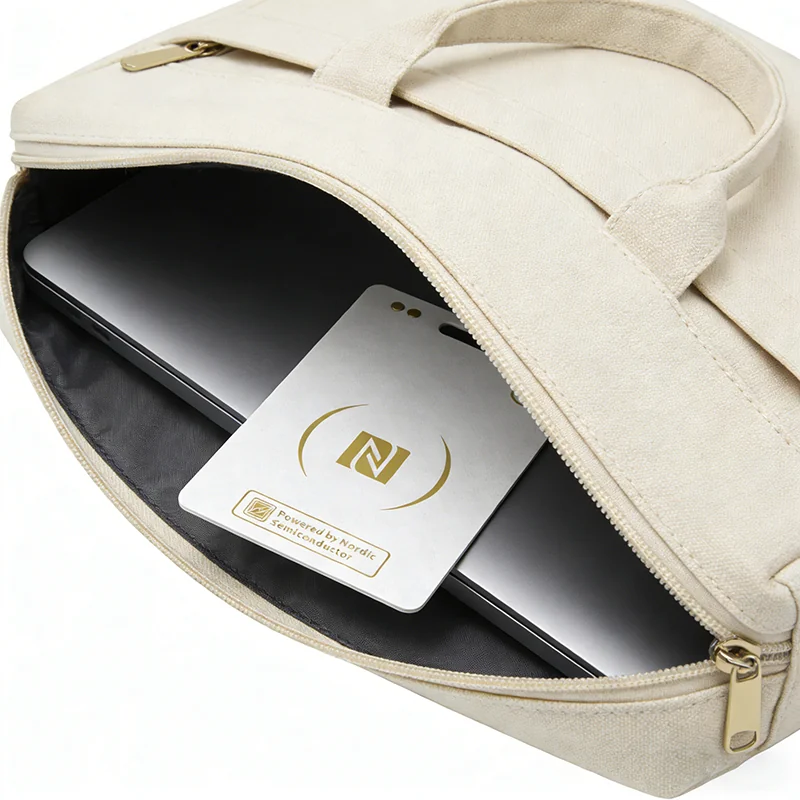
Keep your card close to the things you carry.
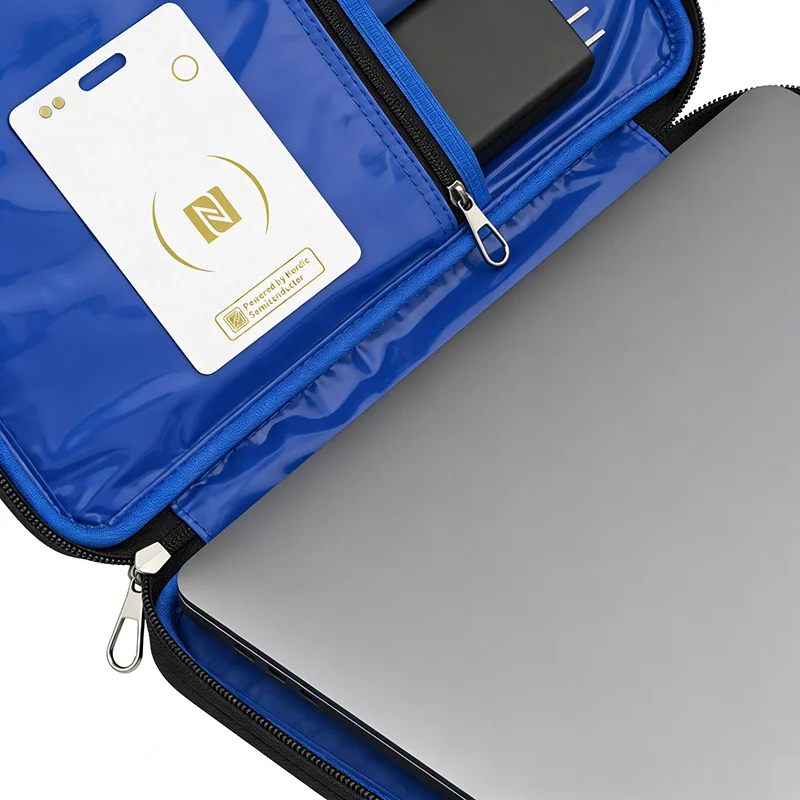
Keep your card with your travel essentials.
FOR BRANDS & TEAMS
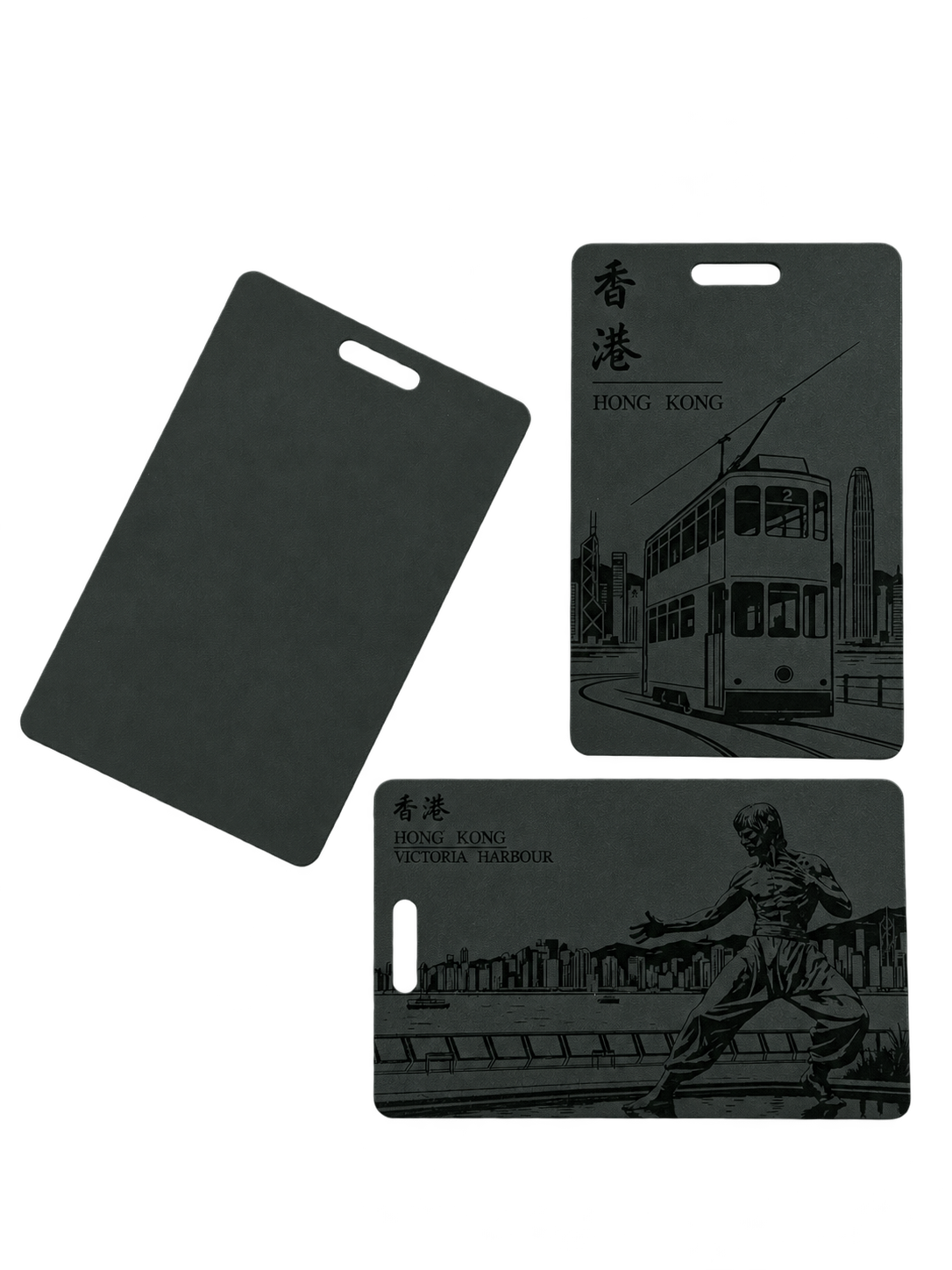
Custom back-side printing for SiNE CARD II.
Built around your brand, team or next project.
Choose Apple Find My or Find Hub when you first pair. Use one network at a time. To switch, first restore factory settings, then choose Apple Find My or Google’s Find Hub again. View SiNE CARD II guide
SiNE CARD has separate platform versions. Choose the version for your phone. View SiNE CARD II guide
Use Zones 1 and 3 to share compatible content, such as a website link. Set Zone 2 to open Contact Card or MAD Card. You can swap the read positions of Zones 1 and 2. View SiNE CARD II guide
Open the Online Guide for your product and platform. It covers pairing, power, status indicators and everyday use. View SiNE CARD II guide